Notion
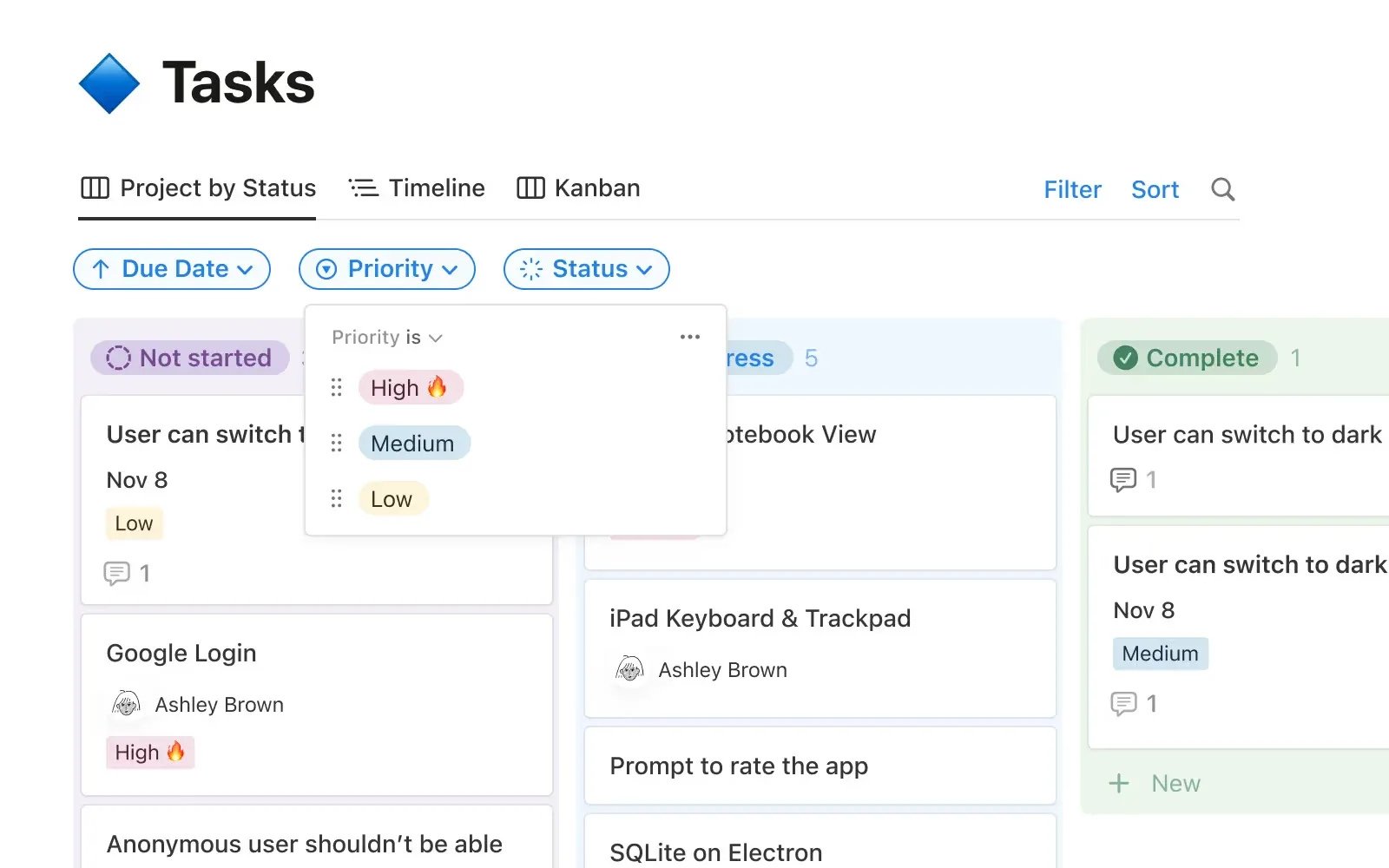
A board view on top of Notion’s databases, where every card is a page with room for specs and notes. Good for teams that already live in docs. It has sub-grouping, sprints and timelines, but no WIP limits or flow metrics.
- Best for
- Teams whose tasks need long-form notes and specs next to them
- Free plan
- Limited block storage for shared workspaces, 10 guests, 5 MB uploads, 7-day page history, button automations only.
- Paid from
- $10 per user / month ($12 billed monthly)
- G2
- 4.6 / 5 from 13,979 reviews
- Capterra
- 4.7 / 5 from 2,889 reviews
What works
- Each card is a page with room for specs, notes and subpages.
- Board, table, timeline and calendar views of the same data.
- Sub-grouping for swimlanes, plus built-in sprints.
- Offline access in the desktop and mobile apps.
What doesn’t
- No WIP limits.
- No cumulative flow or cycle-time charts.
- Reviewers say large databases get slow.
- Takes setup before it works as a kanban system.
Pricing
| Plan | Annual billing | Monthly billing | What you get |
|---|---|---|---|
| Free | $0 | $0 | Limited storage for teams, 10 guests |
| Plus | $10 | $12 | Database automations, unlimited charts, 30-day history |
| Business | $20 | $24 | SAML SSO, 90-day history |
| Enterprise | Contact sales | — | SCIM, advanced security |
Per user per month in USD unless noted. Checked November 21, 2026 on Notion’s pricing page.
Board features
What reviewers say
Short excerpts, quoted as written. Follow the links for the full reviews.
“It's essentially Trello but each task is also a page where I can document everything I'm learning or doing, even with subpages underneath.”
“I just don't like recreating a kanban board in Notion, it just seems too complex and cluttered”
Ratings cover Notion as a whole, not just its boards. Reviewers like docs and tasks living together; the usual complaints are speed on large pages and a messy workspace at scale.